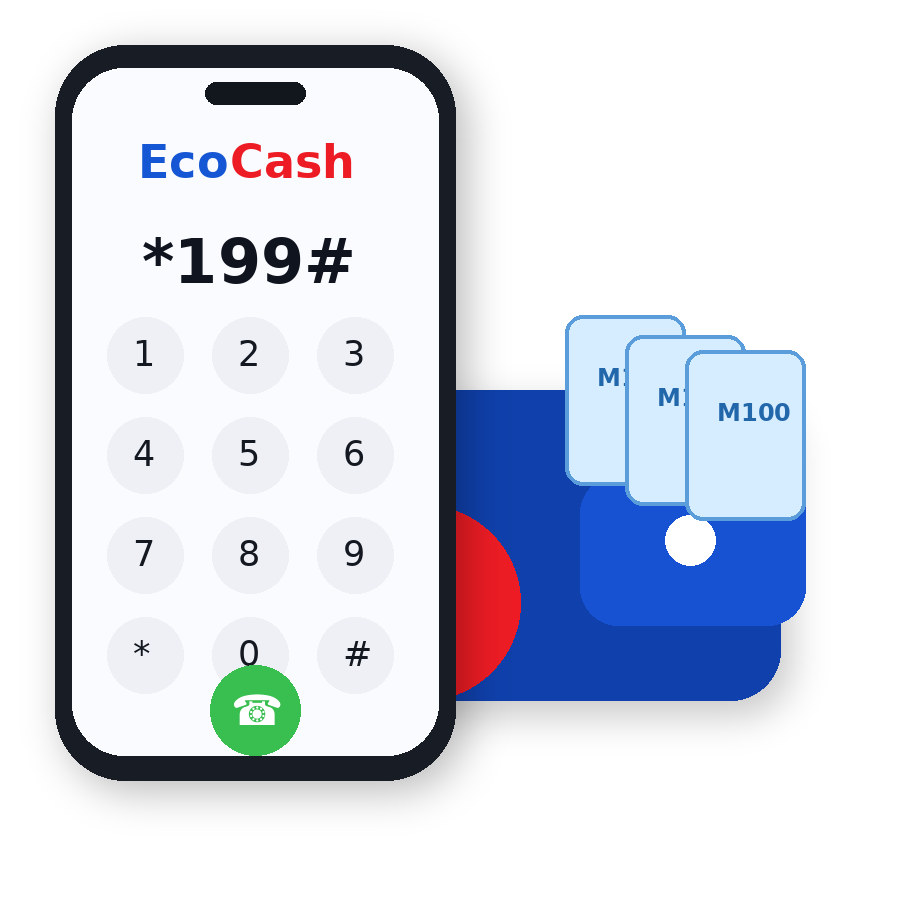
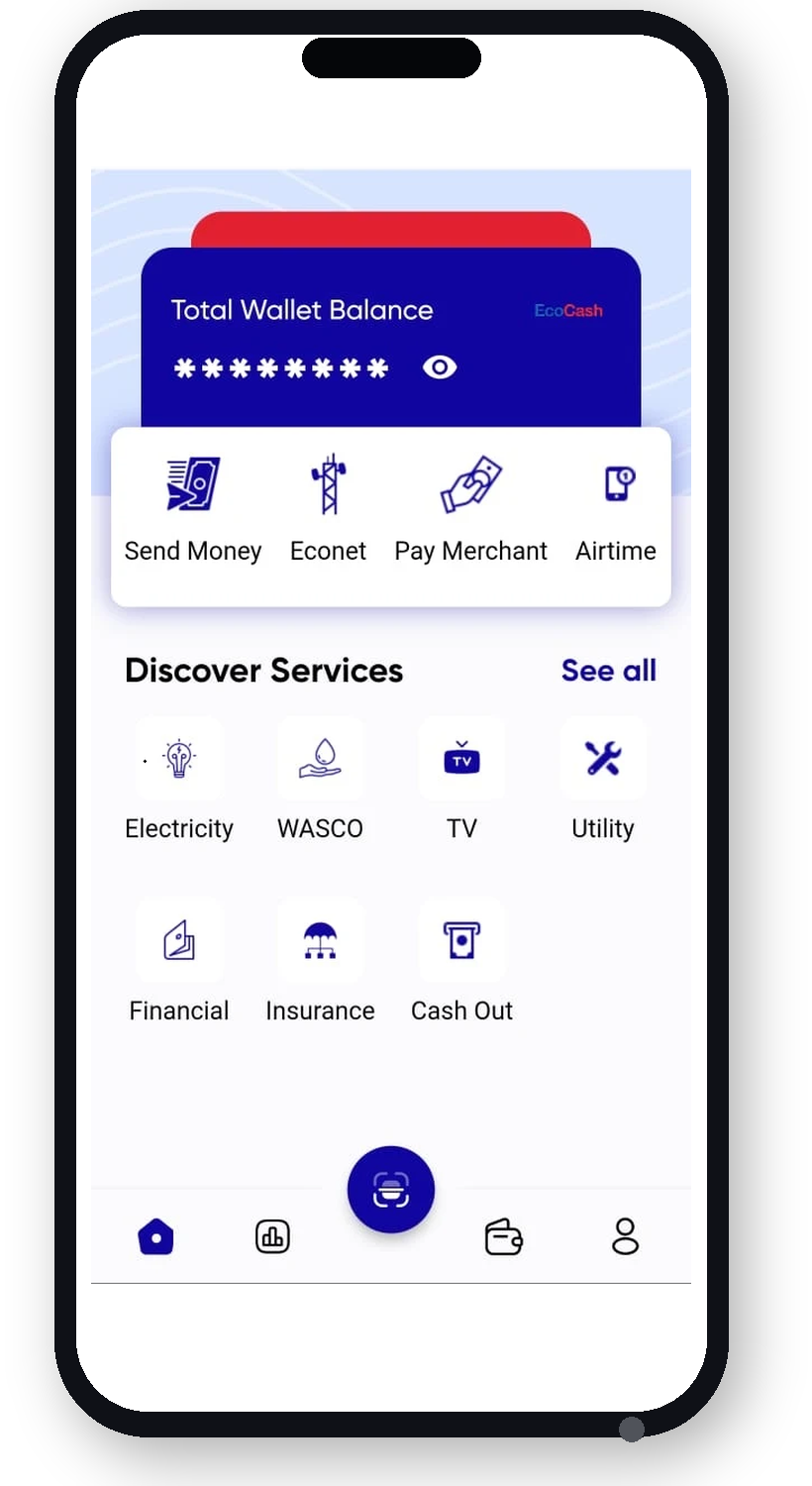
Lesotho'sSmart Way to Pay Send money, pay bills, buy airtime and bundles, shop with merchants and manage your finances—all from one secure mobile wallet. Open an EcoCash Wallet Download the App Send & Receive Money Pay Bills Buy Electricity Buy Airtime Buy Data Bundles Pay DStv Pay School Fees Buy Goods at Merchants Save Money in Wallet Transfer from Standard Lesotho Bank Pay Insurance Premiums Pay Econet Bills ARE YOU NEW TO ECOCASH? Get Started in Minutes Opening an EcoCash wallet is quick and easy. Follow these steps to register and start enjoying convenient, secure digital payments. Open Your EcoCash Wallet in 8 Simple Steps 1 Dial *199# 2 Consent to creating a wallet 3 Enter your ID number 4 Enter your date of birth 5 Confirm your names 6 Complete registration 7 Your wallet is created 8 Receive your temporary PIN Who Can Register? Anyone who meets EcoCash registration requirements, including having a valid National ID and an active Econet SIM. What You Need An active Econet SIM, your National ID and your date of birth. Keep Your Wallet Secure Never share your PIN or one-time password (OTP) with anyone. Need Assistance? Visit an Econet Shop Locate an EcoCash Agent Everyday Services Money Transfer Send money instantly to any EcoCash customer. Learn More → Bill Payments Pay utilities, municipal bills, school fees and more. Learn More → Merchant Payments Shop conveniently without carrying cash. Learn More → Airtime & Bundles Buy for yourself or someone else. Learn More → Bank to Wallet Transfer money between your bank and wallet. Learn More → International Remittances Receive money from family and friends abroad. Learn More → Business Solutions Power your business with EcoCash. Merchant Payments Payroll EcoCash Bulk Payments Explore Business Solutions Download the EcoCash App Manage your wallet anytime, anywhere. Send money, pay bills, buy airtime and more. Register for EcoCash Learn how to open your wallet. FAQs Find answers to common questions. Locate an Agent Find EcoCash agents near you. Contact Us Call 66100100 for help. Security & PIN Keep your wallet secure.